
How it works
Plan, do, reflect.
Repeat this loop and you build the habit of living each day with intention.
 1Plan
Decide how you want to spend today
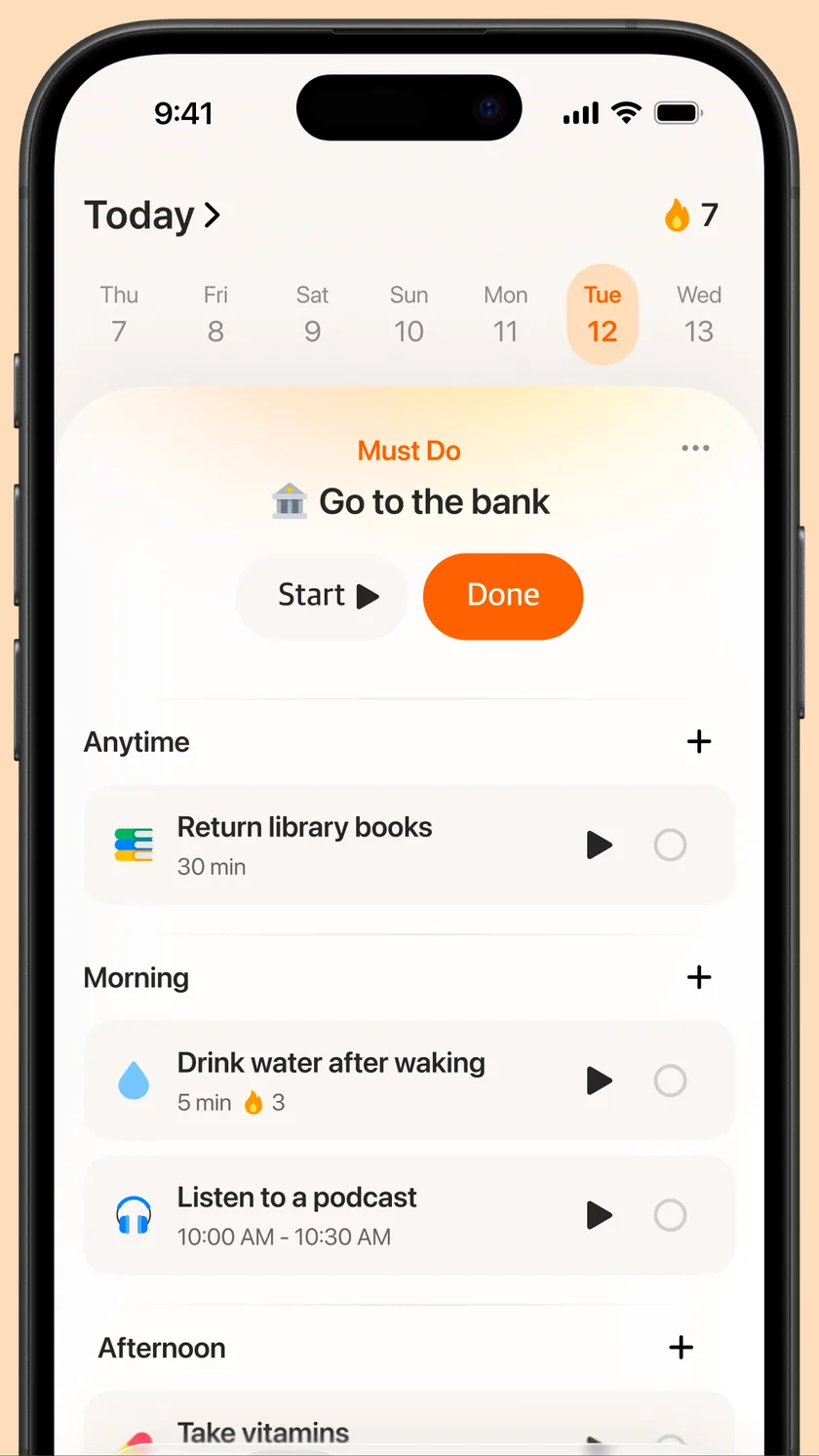
At your morning check-in, see your calendar and tasks on one screen and pick the one thing you must do today.
 2Do
Keep taking small steps, not perfect ones
Start a focus timer and give this moment to this one task. Small actions add up to habits.
 3Reflect
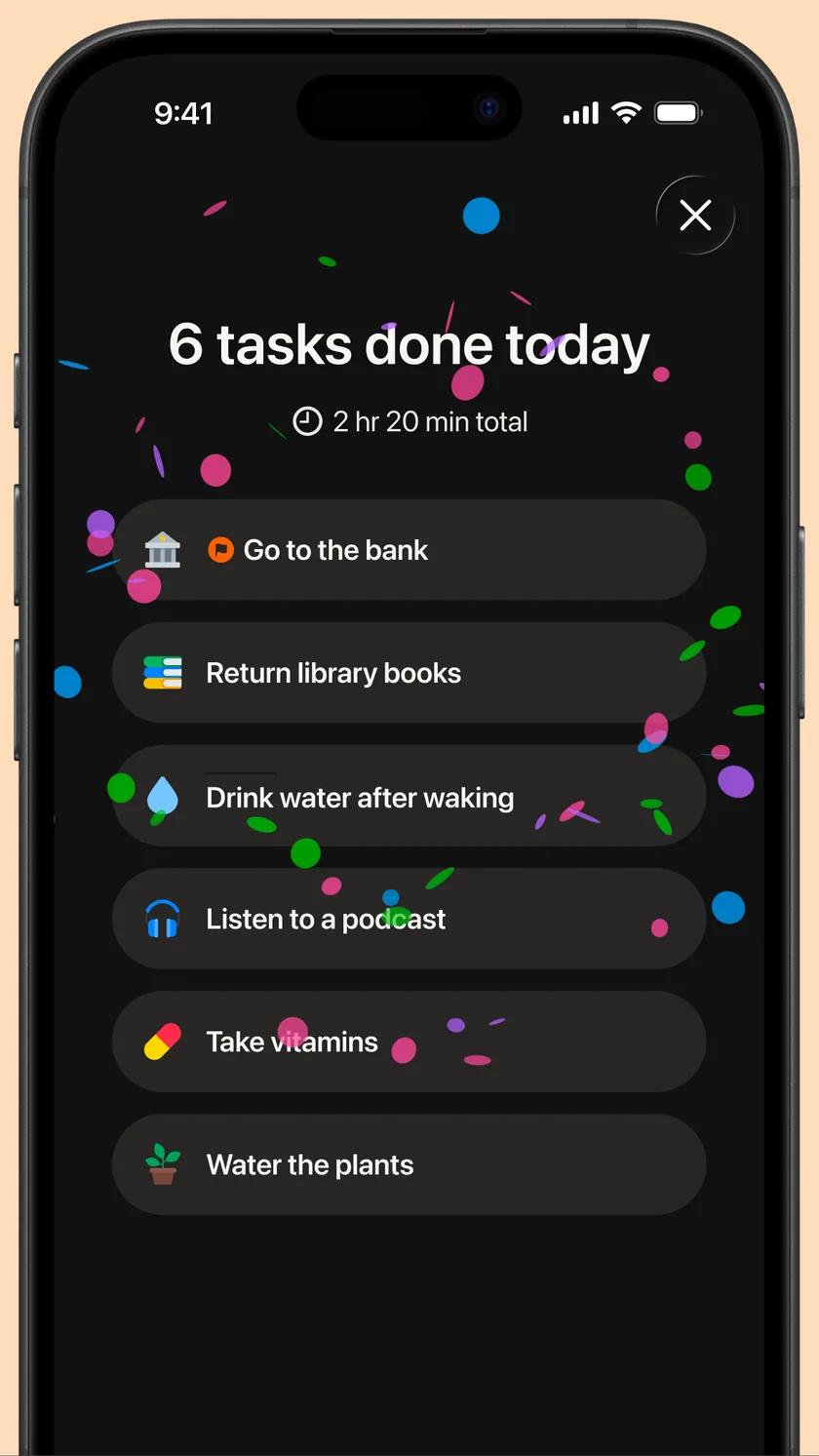
Look back, and carry it into tomorrow
At your evening check-out, note how you felt, what went well and what to improve. AI drafts the reflection for you.
AI agent · Dali
Dali speaks first at your morning check-in
Dali reads yesterday’s record and today’s schedule and weather, briefs your day and suggests tasks and a Must Do. Choosing and confirming is always yours.
 Dali’s morning check-in8:12 AMExample
Good morning. You logged an hour and a half of focus yesterday — you’re keeping a steady rhythm.
It’s Friday, and rain is expected this afternoon. You have 2 events today, including a 10 o’clock meeting, and 4 tasks.
Here are a few picks for the free morning before your meeting.
- AI picks
- Finish the deck+
- Plan the week+
Add “Finish the deck” to my morning.
Shall we make “Finish the deck” today’s Must Do? Wrapping it up before the 10 o’clock meeting would free your afternoon.
Dali suggests, you decide. Nothing changes until you confirm.
- Morning
Briefing and today’s plan
A greeting, a briefing and a one-line intention for the day, built from yesterday’s record and today’s schedule and weather, plus tasks, a Must Do and habits that fit your free slots.
- Day
Quick input
Type a task title and Dali fills in a matching emoji and an estimated duration.
- Evening
Today’s reflection draft
At the evening check-out, drafts your reflection from your mood and what you did or left undone. Edit or delete it freely.
What Dali reads
- Today’s calendar events and tasks
- Yesterday’s completed tasks, focus time, condition and reflection
- Today’s weather, holidays and special dates
- Your settings, such as job type and daily rhythm
Applied only after you confirm
- Suggested tasks and habits — only the ones you pick are added
- Must Do suggestion — choose it yourself or decide later
- Reflection draft and daily intention — edit or delete freely
- Dali never edits or deletes your schedule on its own
Runs on Gemini models on Google Cloud and replies in English, Korean, Japanese and Chinese.
Features
Everything your day needs
Schedule, tasks and habits in one place, with nothing you don’t need.
Calendar & Reminders sync
See events from Apple Calendar, Google Calendar and Reminders at a glance. Syncing is free.
Must Do
Pin the one thing you must do today to the top.
Inbox
Park tasks that don’t have a date yet, then place them into a day when you’re ready.
Focus timer
Pick one task, start the timer and give this moment to that task alone.
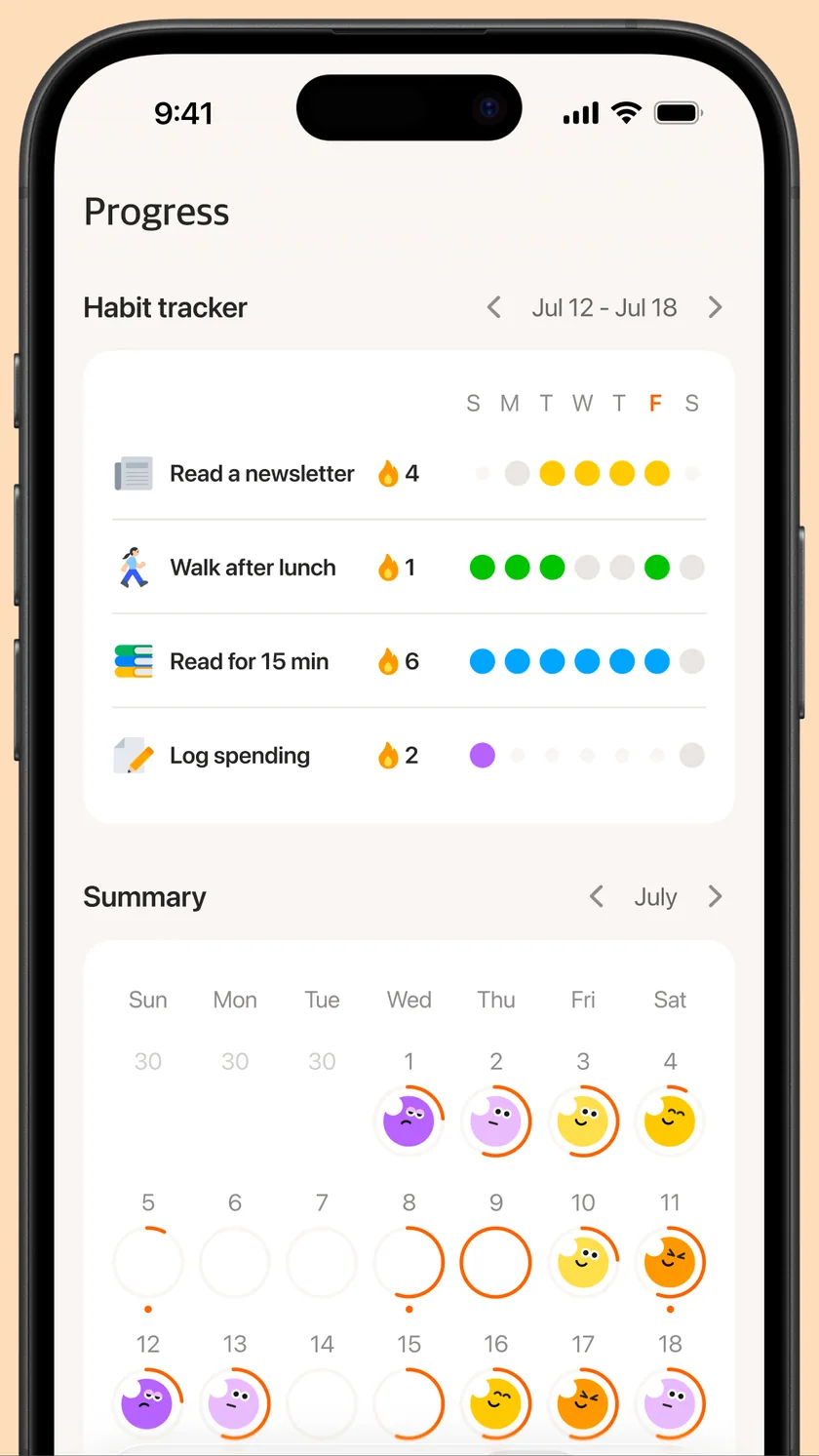
Habit tracker
Log small habits every day and keep your streak going.
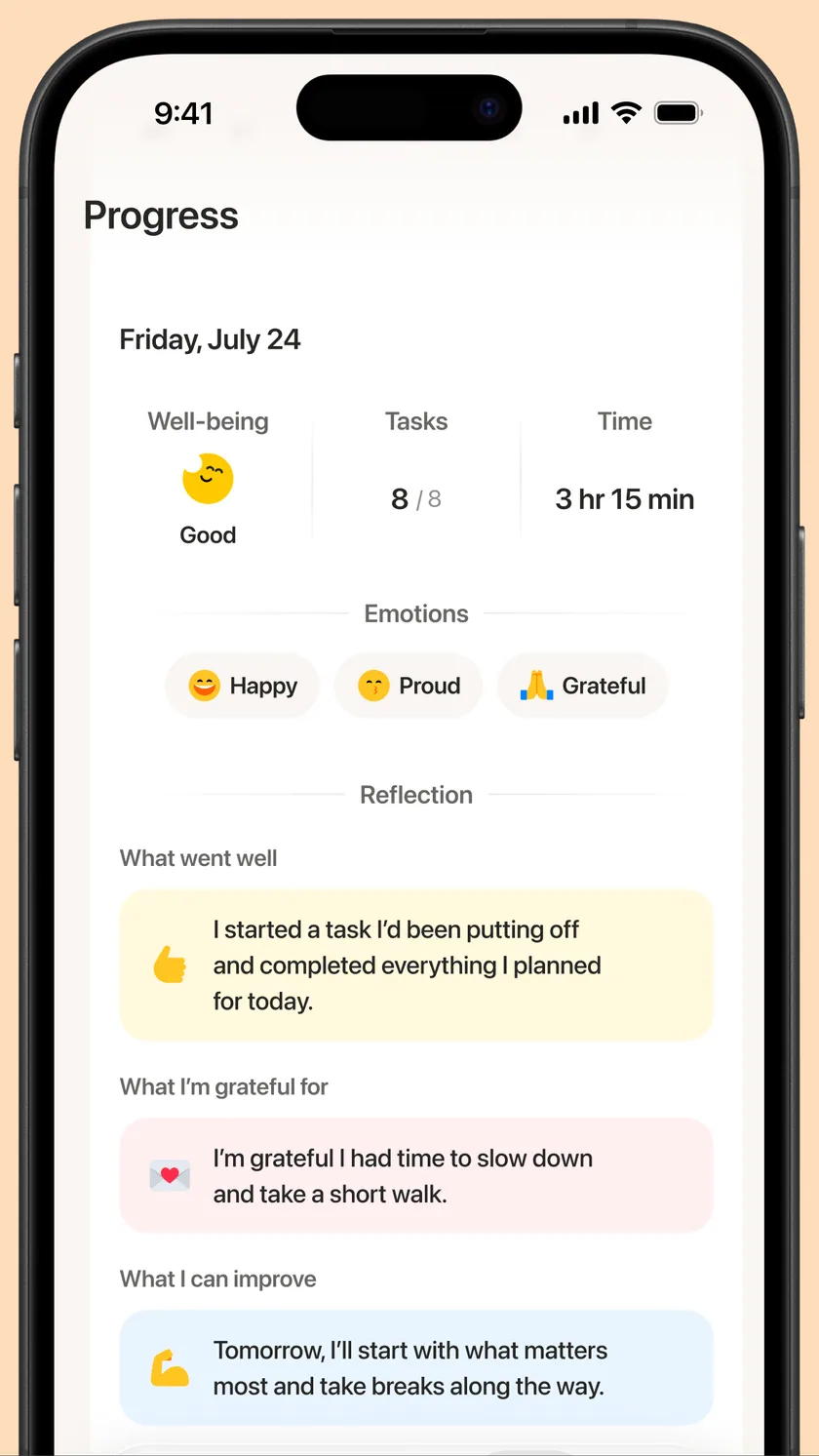
Daily & monthly insights
As your record grows, your patterns show up.
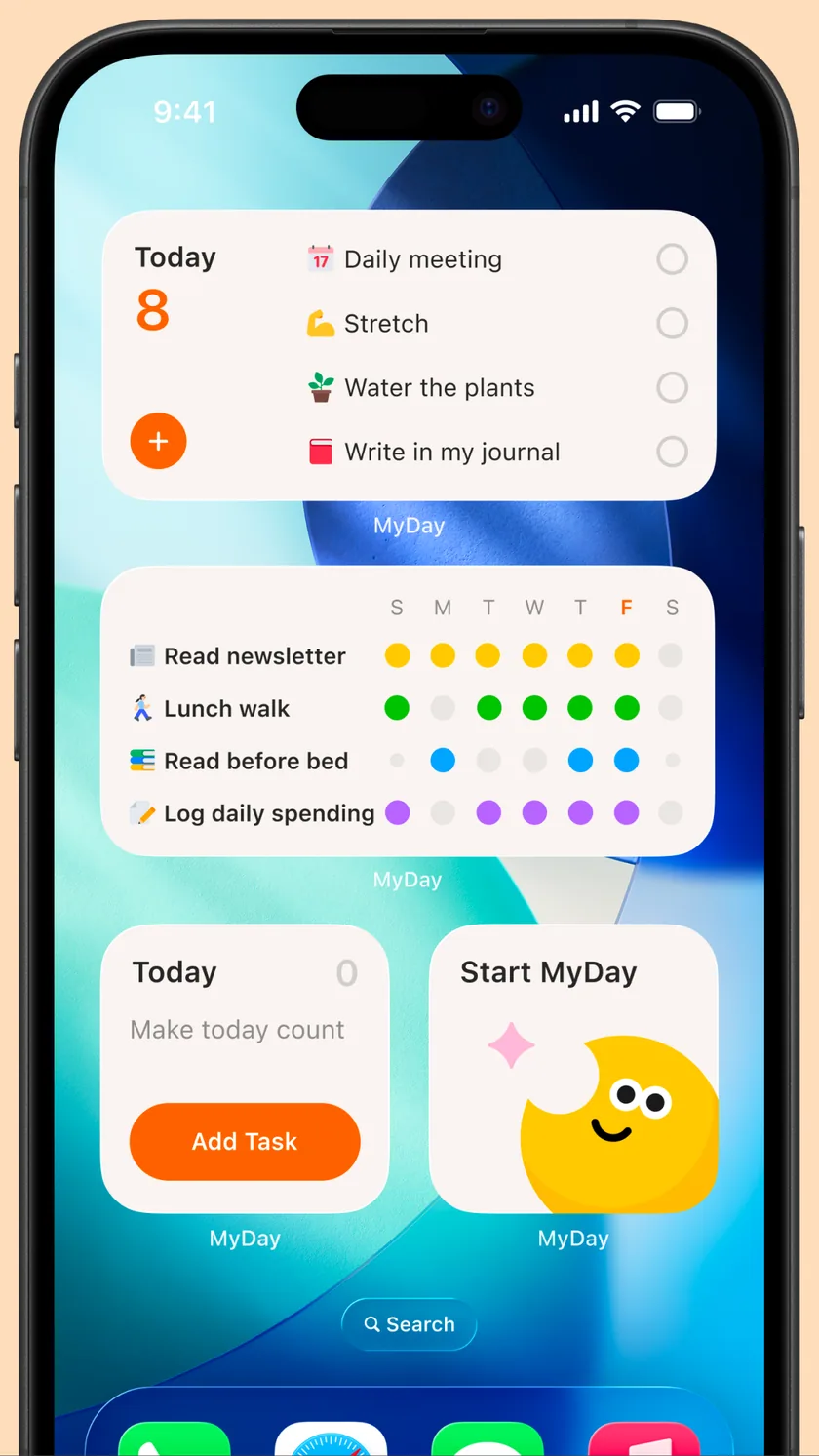
Home & Lock Screen widgets
See today’s tasks without opening the app.
Dark Mode
Easy on your eyes at night.
- Home & Lock Screen widgets
- Habit tracker
- Daily & monthly insights
- Dark Mode
Life ON, ONEUL
We build for today.
ONEUL Inc. is a Korean software company building digital products that help people live each day more intentionally. There are plenty of tools for planning the future, and few that help you live today well.
More about ONEULONEUL members

YG
Lead

Moon
Product

YJ
Marketing

DJ
Engineering

BTH
Business
FAQ
Frequently asked questions
Is MyDay free?
Yes. MyDay is free to download and the core features are free to use.
Which calendars does it sync with?
Apple Calendar, Google Calendar and Apple Reminders. Synced events show up on your Today screen alongside your tasks.
Which devices are supported?
MyDay is built for iPhone with iOS 18 or later. Available in English, Korean and Japanese.
Is my data safe?
We process personal data only as far as needed to run the service. See our Privacy Policy for details. Read the Privacy Policy
